MICROSOFT CONFIGURATION MANAGER REPLACEMENT
SCCM isn't built for real time.
Configuration Manager sees your estate on a schedule. Tanium sees it now.
Frontier AI can turn a newly disclosed vulnerability into a working exploit in hours. By default, Configuration Manager refreshes hardware inventory every seven days. Tanium Endpoint Management gives you a real-time view of every endpoint, and the control to act on it, at enterprise scale. Run it alongside ConfigMgr, migrate in phases, then retire SCCM on your terms.
7days
ConfigMgr's default hardware inventory cycle. Source: Microsoft Learn
1hour
ConfigMgr's default client policy polling interval. Source: Microsoft Learn
Minutes
How long frontier AI can take to turn a disclosed vulnerability into a working exploit. Source: Anthropic: Measuring LLMs' impact on N-day exploits
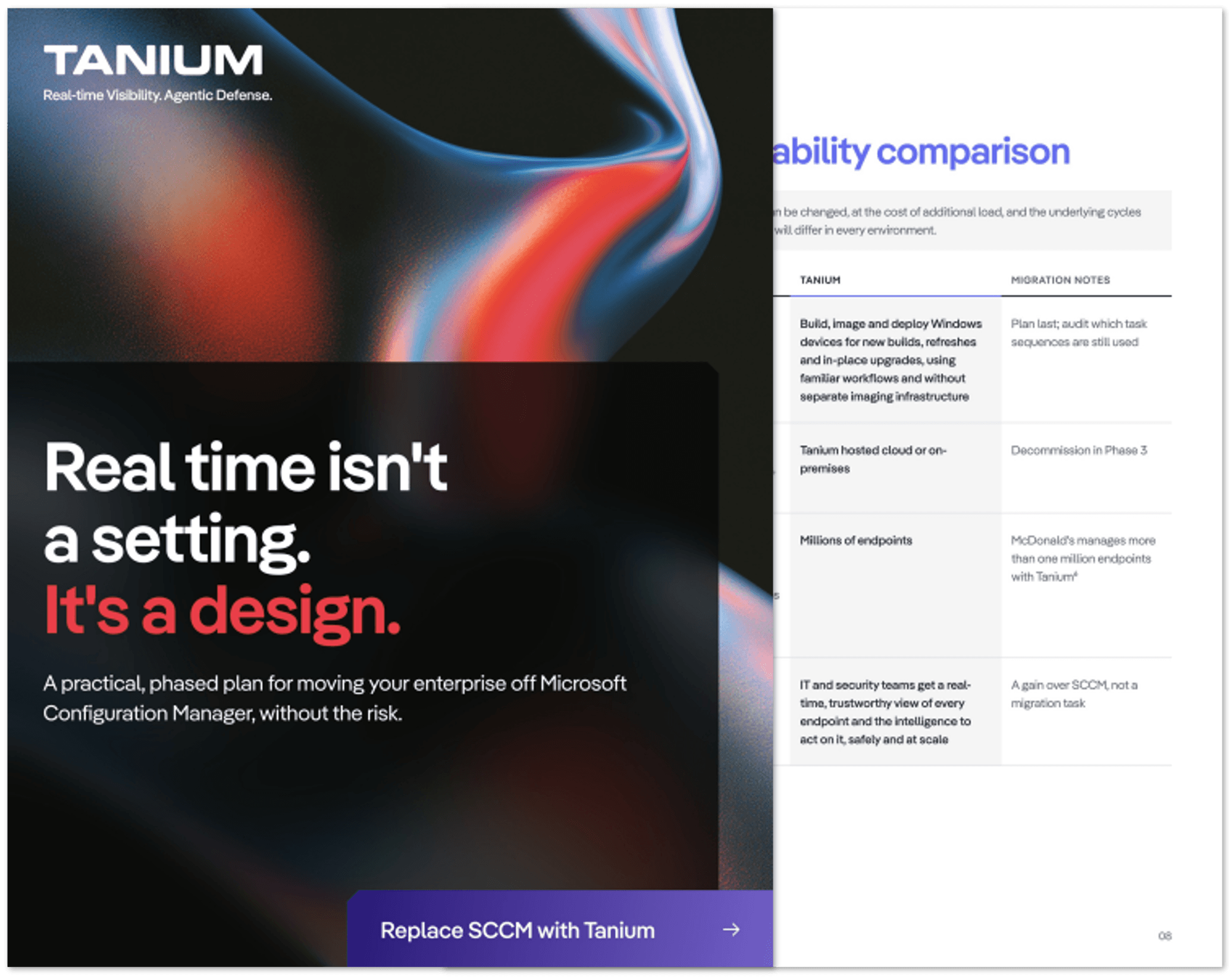
The SCCM Replacement Guide
Loading...
THE REAL-TIME GAP
Exploits move in hours. SCCM's default inventory moves weekly.
When inventory refreshes weekly, you could be patching against a picture of your estate that's seven days old. You can shorten SCCM's intervals, but every increase adds load to your servers and network, and inventory, patch compliance and configuration baselines still run on scheduled cycles. Ad hoc tools such as CMPivot can query clients on demand, but they don't change those cycles. That isn't a failing of the teams who run ConfigMgr. It's how SCCM was designed.
Act on what's true now, not last week's inventory.
TANIUM ENDPOINT MANAGEMENT
Real time, at real scale.
Tanium answers questions about your estate in seconds, not days, across hundreds of thousands of endpoints. One platform replaces the core SCCM workloads and acts on what it sees, at the speed AI-driven threats demand.
Patching
See live patch status across every endpoint and deploy updates against what's true now.
Software distribution
Deploy and update software across the estate without staging content on distribution points.
Inventory
Get current hardware and software inventory on demand, not the results of the last scheduled cycle.
Configuration and compliance
Enforce configuration baselines and catch drift as it happens.
OS deployment and task sequences
Build, image and deploy Windows devices for new builds, refreshes and in-place upgrades using familiar workflows.
Servers
Manage desktops, laptops and servers from one real-time view.

CUSTOMERS' CHOICE
Rated by the people who run it
Tanium is a Customers' Choice in the 2026 Gartner® Peer Insights™ Voice of the Customer for Endpoint Management Tools — 4.6 out of 5.0 overall, based on 134 verified reviews as of 30 April 2026, with 93% of reviewers willing to recommend.
Gartner, Voice of the Customer for Endpoint Management Tools, Peer Contributors, January 5, 2026.
Gartner® and Peer Insights™ are trademarks of Gartner, Inc. and/or its affiliates. All rights reserved. Gartner Peer Insights content consists of the opinions of individual end users based on their own experiences, and should not be construed as statements of fact, nor do they represent the views of Gartner or its affiliates. Gartner does not endorse any vendor, product or service depicted in this content nor makes any warranties, expressed or implied, with respect to this content, about its accuracy or completeness, including any warranties of merchantability or fitness for a particular purpose.
4.6/5
overall rating
134
verified reviews
93%
willing to recommend
SIDE BY SIDE
On a schedule or whenever you need?
Defaults are as documented by Microsoft. Many can be changed, at the cost of additional load, and the underlying cycles remain scheduled. Capabilities and configurations vary by environment.
| Capability | SCCM (by default) | Tanium |
|---|---|---|
Hardware inventory | Refreshed every 7 days | On demand, current state |
Client policy | Clients poll every 60 minutes | On demand |
Patch status | Reported after the next scan and status cycle | Live, estate-wide |
Patch deployment | Software update point (built on WSUS) | Deploy and verify from one console |
Software distribution | Content staged on distribution points | Tanium doesn’t rely on SCCM-style distribution points |
Configuration and compliance | Baselines evaluated on a schedule | Enforce and detect drift in real time |
OS deployment and task sequences | Mature OSD and task sequence engine | Build, image and deploy Windows devices—including new builds, refreshes and in-place upgrades—using familiar workflows, without separate imaging infrastructure. |
Infrastructure | Site servers, distribution points, management points, SQL | Tanium hosted cloud or on-premises |
Scale | Up to 150,000 Windows clients on a standalone primary site & up to 700,000 Windows desktops in a hierarchy with a central administration site. Microsoft Learn (opens in a new tab) | Millions of endpoints |
Intelligence | Reports from scheduled inventory and status cycles | IT and security teams have a real-time, trustworthy view of every endpoint and the intelligence to act on it, safely and at scale |
FAQ
Replacing SCCM: your questions.
These FAQS help address how Tanium Endpoint Management replaces the core workloads enterprises run on SCCM today: hardware and software inventory, patching, software distribution, configuration and compliance, and server management, with operating system deployment covered as part of the same platform, so teams can build, image, and deploy Windows devices (new builds, refreshes, and in-place upgrades) using familiar workflows without standing up separate imaging infrastructure. It does this from one real-time platform, without the site servers and distribution points SCCM depends on.